
How do I remove a location I've added?

Locations can be deleted via the Locations page.
From the “Manage Locations Page” there will be a table containing the existing locations. Existing locations can be deleted by clicking on the "white pencil" icon and clicking the "delete" option this will open a confirmation pop up. Once a location has been deleted it will need to be added to the system again.
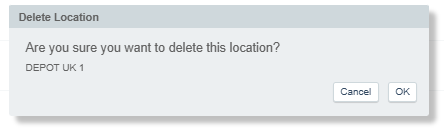
The confirmation pop-up shows the name of the location selected to be deleted.