
How do I edit a location I've added?
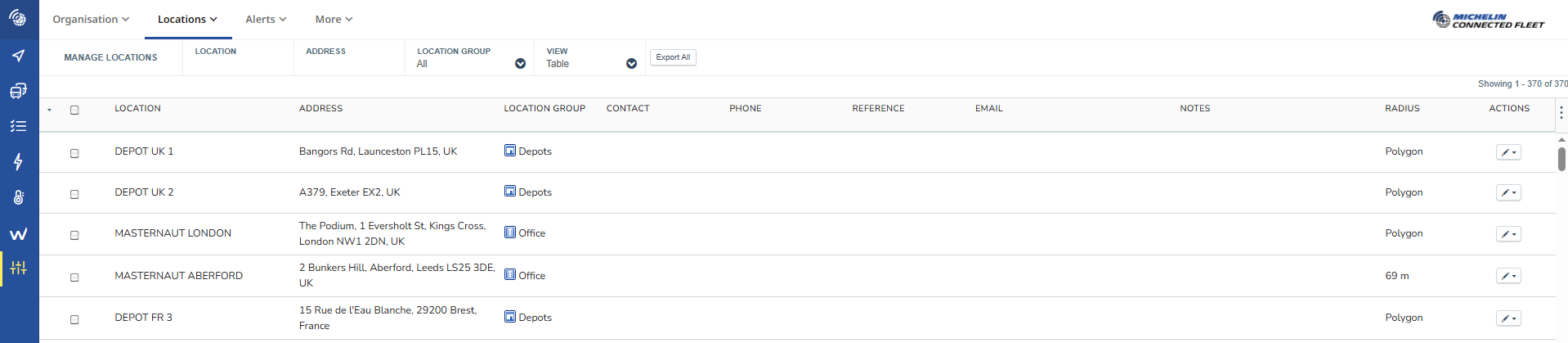
Edit location page
From the “Manage" Locations Page there will be a table containing the existing locations. Existing locations can be edited by clicking on the "white pencil" icon and then the "Edit" option this will open the edit pop up on a map view.
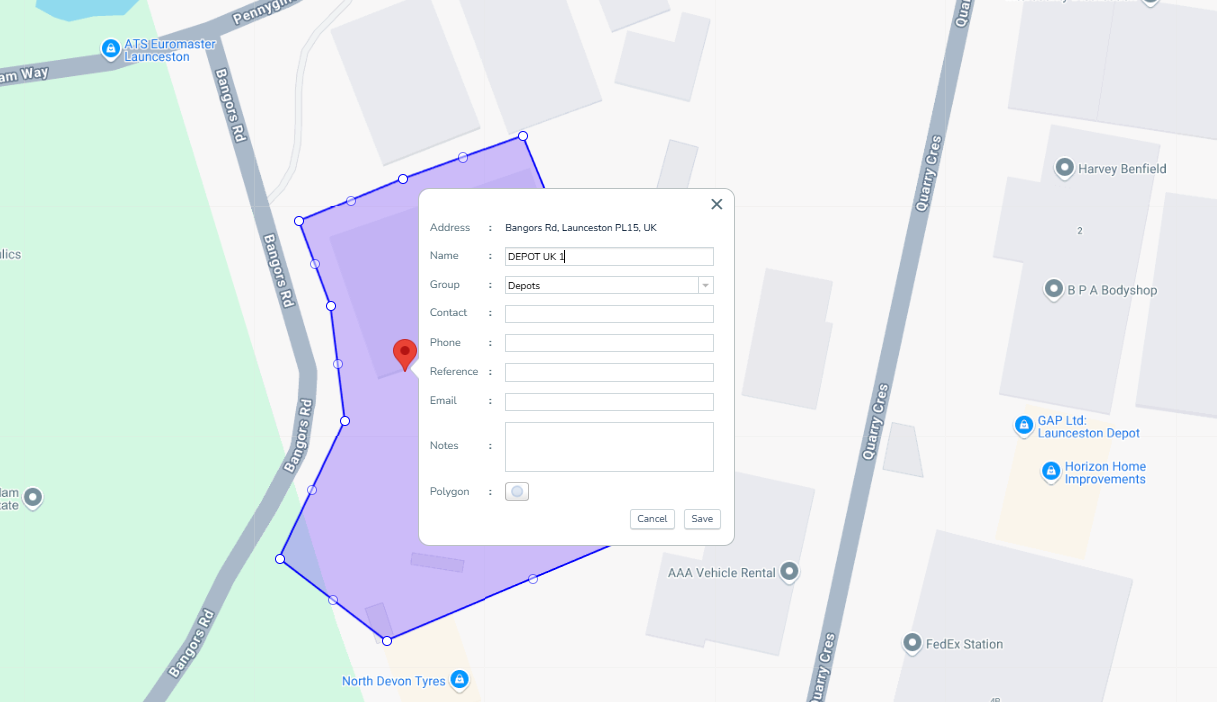
Only the address of a location can not be changed on the edit screen.
Once all changes are made click on the save button or cancel if you do not want the changes to be applied.